Best AI On-Model Photography Tools for Fashion
·8 min read
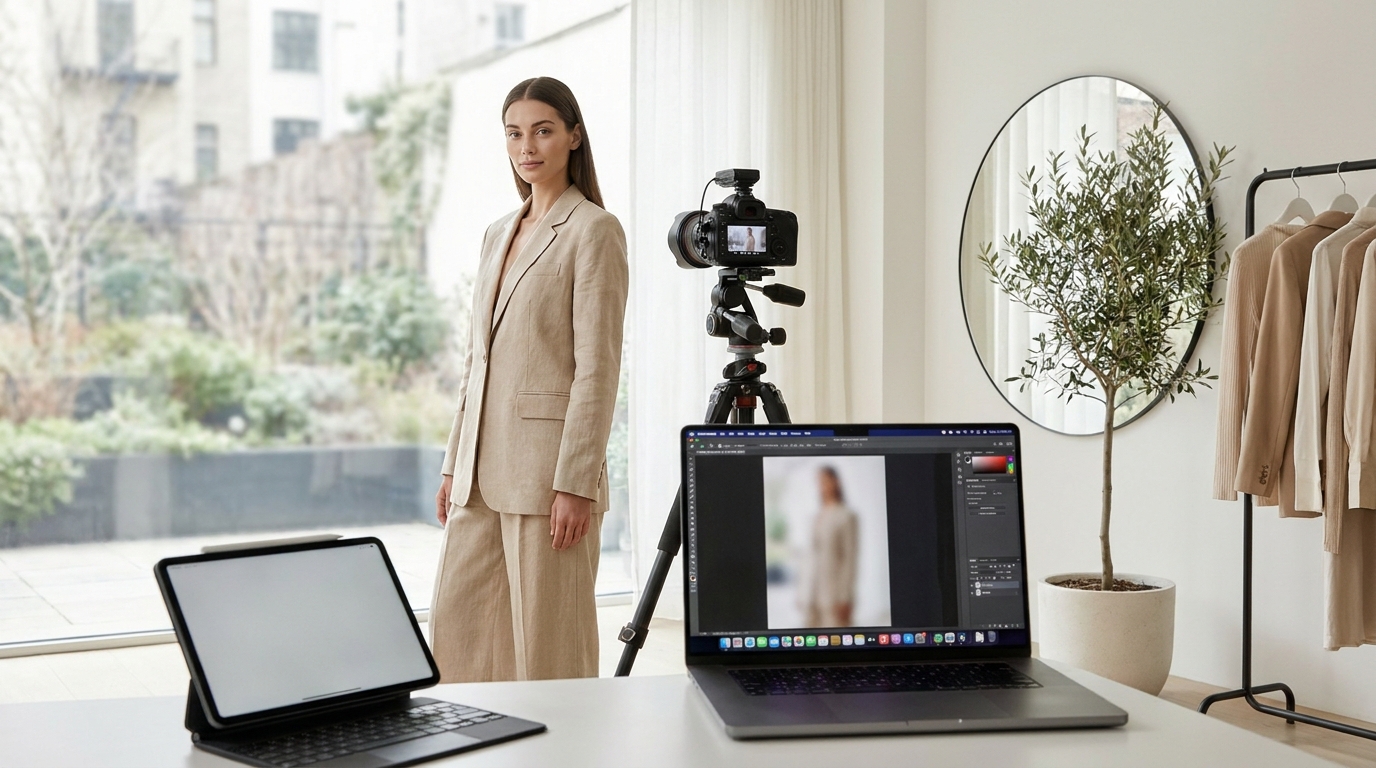
E-commerce fashion relies heavily on visuals. When a customer lands on your product page, the quality of your images often dictates whether they click "add to cart" or bounce to a competitor. Traditionally, showcasing apparel on human models meant booking studios, hiring photographers, coordinating with modeling agencies, and spending weeks in post-production. Today, AI on-model photography tools are changing how brands build their visual catalogs. By turning simple flat lays or ghost mannequin shots into realistic, on-model lifestyle images, these software solutions offer a faster, more flexible approach to fashion photography. This guide will walk you through the different types of tools available, what features matter most, and how to choose the right platform for your store.
Why Fashion Brands Are Moving to AI Photography
The shift toward artificial intelligence in fashion e-commerce is driven by practical business needs. Managing a traditional photo shoot involves significant logistics and expenses. Studio rentals, lighting equipment, hair and makeup artists, and the models themselves all add up. For independent brands or rapidly growing e-commerce stores, producing high-quality on-model imagery for every new SKU can quickly drain marketing budgets.
AI on-model photography tools eliminate much of this friction. Instead of waiting weeks for a scheduled shoot and subsequent retouching, brands can generate professional-grade images in a matter of minutes. This rapid turnaround allows fashion retailers to launch new collections faster and test different visual styles without financial risk.
Furthermore, AI provides flexibility that traditional photography cannot easily match. If a brand wants to test how a jacket looks on a different demographic or in a different setting—say, a sunlit street instead of a white studio backdrop—they can do so instantly. This level of adaptability helps brands tailor their visual content to diverse target audiences, keeping their product pages and social media feeds fresh and engaging.
Types of AI On-Model Photography Tools
When searching for the right software, you will likely encounter several different categories of AI image generators. Understanding the distinctions between them is crucial, as they serve entirely different purposes in the e-commerce workflow.
General-Purpose AI Image Generators
These are the broad, prompt-based AI models that have gained mainstream popularity for creating digital art and conceptual images. While they are incredibly powerful for brainstorming campaign concepts or creating mood boards, they are generally not suitable for e-commerce product photography. The main limitation is garment preservation. If you upload a photo of a specific floral dress and ask a general AI to put it on a model, the AI will likely generate a dress that looks similar but features a completely different floral pattern, altered seams, or incorrect proportions. For fashion retail, where the customer expects to receive exactly what they see, this lack of accuracy is a dealbreaker.
Virtual Try-On Plugins for E-Commerce
Another category includes customer-facing virtual try-on tools. These are typically software integrations or plugins that sit directly on your product pages. Their primary goal is to help the end consumer visualize how a garment might fit their specific body type by uploading their own photo. While these tools are excellent for reducing return rates and improving the shopping experience, they are not designed to generate high-resolution, commercial-grade catalog images for the brand's own marketing use.
Dedicated AI Fashion Generators
This category is built specifically for fashion brands and e-commerce managers who need to create accurate, high-quality catalog and marketing images. These tools take a source image of your actual product and realistically map it onto an AI-generated model. Because they are trained specifically on apparel, they preserve the intricate details, patterns, and fabric textures of your original garment.
This is the space where GetModels.AI operates. Operated by BuildAndBuild OÜ in Estonia, GetModels.AI is designed to turn a photo of a garment (flat lay, ghost mannequin, hanger, or product photo)—or even just a product page link—into on-model fashion photos with AI models. No studio, models, or photographer are needed. By focusing strictly on fashion e-commerce needs, dedicated generators ensure that the final output accurately represents the physical product while providing a professional, ready-to-publish aesthetic.
Key Features to Look For in an AI Photo Tool
Not all dedicated fashion AI tools offer the same capabilities. When evaluating different platforms for your brand, keep the following essential features in mind.
Accurate Garment Preservation
The most critical function of any AI fashion tool is its ability to maintain the exact look of your clothing. The software must accurately render the original colors, patterns, logos, and fabric draping. Whether you are selling t-shirts, shirts, sweatshirts, jackets, dresses, skirts, pants, or shorts, the AI must respect the garment's construction. Look for tools that allow you to upload both front and optional back photos to ensure a comprehensive representation of the item.
Model Diversity and Consistency
Modern consumers want to see clothing on people who look like them. A robust AI tool should offer a curated roster of AI models across various ages, genders, and ethnicities. Additionally, consistency is key for building a recognizable brand identity. The ability to reuse the same AI model across multiple campaigns or product lines helps create a cohesive look across your entire website, much like hiring a brand ambassador.
Versatile Styles and Backgrounds
Your photography needs will vary depending on where the image will be used. A product page typically requires clean, distraction-free studio backgrounds, while a homepage banner might need a lifestyle setting. Look for software that lets you choose different backgrounds, locations, and poses.
For instance, GetModels.AI offers multiple styles including Studio, Editorial, Commercial (on location), and Social media. The Social media style is particularly useful for creating authentic, phone-style posts with specific vibes like Polaroid, analog, or golden hour aesthetics. It even provides a ready-to-post caption for each image in the user's chosen language. You can also select specific poses—such as standing, sitting, or walking—to match your brand's creative direction.
High Resolution and Commercial Rights
E-commerce images need to be crisp and clear, especially when customers use zoom features to inspect fabric details. Ensure the tool you choose provides high-resolution downloads, such as 2K resolution, and does not apply watermarks to your downloaded files. Since the models are AI-generated and not real people, you avoid the complex usage rights and licensing fees typically associated with human models. (Note: this is a general overview; always consult a legal professional for specific commercial rights questions regarding your business).
Comparing AI Tool Capabilities
To help visualize the differences between the software categories mentioned earlier, here is a simple breakdown of what each type of tool is best suited for:
| Tool Category | Best Used For | Garment Accuracy | Output Resolution |
|---|---|---|---|
| General AI Generators | Mood boards, concept art, campaign brainstorming | Low (Alters details) | Varies |
| Virtual Try-On Plugins | Customer sizing assistance on product pages | Medium (Focus on fit) | Low to Medium |
| Dedicated Fashion AI | E-commerce catalogs, social media, ads | High (Preserves details) | High (Often 2K+) |
How to Prepare Your Assets for AI Tools
To get the best possible results from AI on-model photography tools, you need to start with high-quality source images. While AI is incredibly advanced, the output is still heavily dependent on the input.
Choose the Right Photography Method
Most dedicated AI fashion generators work well with several types of source images:
- Ghost mannequin shots: Often the most effective because they already show the garment in a three-dimensional shape, making it easier for the AI to understand how it should drape on a body.
- Flat lays: Widely used and very cost-effective to produce in-house.
- Hanger shots: Can work well provided the garment hangs naturally and is not overly wrinkled.
- Product page links: Some platforms can directly import the source photo straight from your existing product URL.
Optimize Lighting and Formatting
Ensure your source images are well-lit with even, neutral lighting. Harsh shadows or overexposed highlights can confuse the AI and alter the perceived color of the garment. It is also best to photograph the item against a clean, contrasting background. Make sure the entire garment is visible in the frame without any parts cropped out.
Consider the Aspect Ratio
Think about where you will be using the final images. Most platforms allow you to choose your output format. Selecting a 3:4 portrait format is ideal for standard e-commerce product grids and mobile viewing, while a 16:9 landscape format works better for website banners, hero images, and desktop layouts.
Cost Expectations and Pricing Models
Budget is a primary consideration when adopting new software. The pricing structures for AI on-model photography tools typically fall into subscription models based on credit systems. Instead of paying thousands of euros for a single photoshoot, you pay a monthly fee that grants you a specific number of image generations.
Costs can vary depending on the platform's features, resolution, and processing speed. For example, you can view our pricing to see how our credit system is structured. The Pro plan is €25 per month and includes 750 credits, while the Max plan is €100 per month for 4000 credits. Each image uses 10 credits, meaning you get high-quality photos for a fraction of the cost of traditional photography. Extra credits can be added anytime, and you can cancel anytime. The platform is also highly accessible, available in English, German, Spanish, French, and Portuguese.
Keep in mind that these platforms operate entirely as standalone web applications focused on static imagery. There is no video generation yet, and no complex integrations or plugins required for your Shopify or WooCommerce store—users simply generate their images in roughly 30 seconds, download them, and upload them directly to their storefronts.
Conclusion
The landscape of fashion e-commerce is evolving rapidly, and AI on-model photography tools are at the forefront of this change. By allowing brands to convert simple flat lays and ghost mannequin images into stunning, realistic lifestyle photos, these tools democratize high-end fashion photography. When choosing a platform, prioritize garment accuracy, model diversity, high-resolution outputs, and versatile styling options.
Whether you need clean studio shots for your product catalog or engaging, analog-style lifestyle images for your Instagram feed, dedicated AI fashion generators offer a cost-effective and highly efficient solution. If you are ready to streamline your content creation process and elevate your brand's visual identity without the need for studios or photographers, try GetModels.AI today and see how easily you can transform your product imagery.
Frequently asked questions
What are AI on-model photography tools?
They are specialized software platforms that use artificial intelligence to place clothing items onto digitally generated models. This allows brands to create realistic lifestyle and catalog images directly from simple flat lay or ghost mannequin photos.
Can I use AI-generated fashion models for commercial purposes?
Yes, dedicated AI fashion generators typically grant full commercial rights for the images you create. Since the models are AI-generated and not real people, you avoid traditional modeling agency usage fees, though it is always recommended to check with a legal professional regarding your specific business compliance.
Do AI photography tools integrate directly with Shopify?
Most high-end AI on-model generators operate as standalone web platforms rather than direct plugins. Users generate their high-resolution images on the platform, download them, and then manually upload them to their e-commerce storefronts or social media channels.
How long does it take to generate an AI fashion photo?
Using dedicated software, it typically takes roughly 30 seconds to generate a high-quality image. This rapid turnaround allows brands to process entire collections in a fraction of the time required for a traditional photoshoot.
Try GetModels.AI
Turn your garment photos into on-model images in minutes. No studio, models or photographer needed.