Ghost Mannequin vs Flat Lay: Which Converts Best?
·9 min read
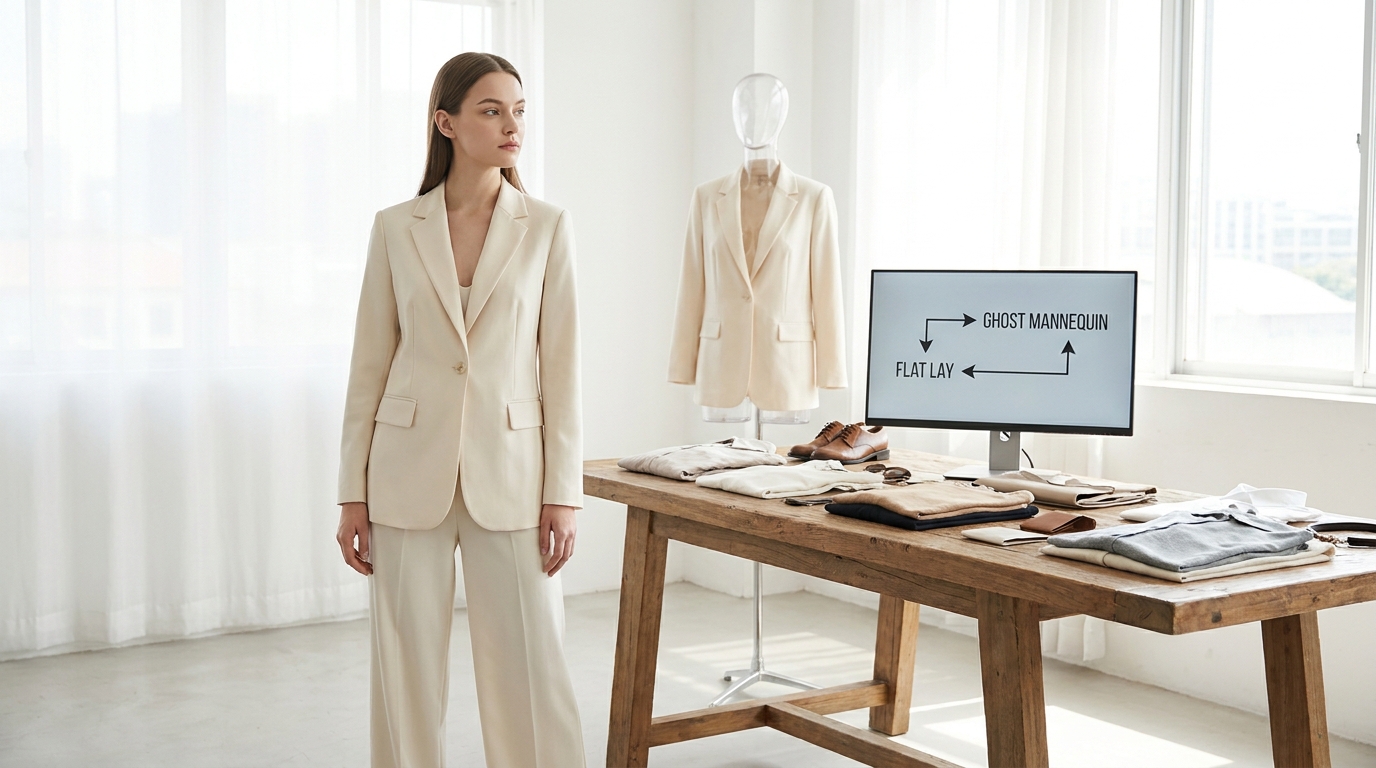
When running a fashion e-commerce store, your product photography is your digital storefront, your sales associate, and your fitting room all rolled into one. Because online shoppers cannot touch the fabric, feel the weight of the material, or try the garment on, your images must do all the heavy lifting. This reality leaves brand owners and e-commerce managers facing a critical decision: how should you photograph your clothing?
The debate often comes down to three main formats: flat lay, ghost mannequin, and on-model photography. Each approach has its own unique workflow, costs, and impact on the customer's buying decision. Choosing the right format—or the right combination of formats—can significantly influence your brand's perception and your store's conversion rates.
In this guide, we will break down the pros and cons of each style, compare ghost mannequin vs flat lay directly, and explore how modern AI tools can help you get the best of all worlds without breaking your budget.
Flat Lay Photography: The Social Media Favorite
Flat lay photography involves styling your garments on a flat surface—usually a table or the floor—and shooting them from directly above. The camera is positioned parallel to the ground, capturing a bird's-eye view of the product.
This style has roots in editorial magazines but exploded in popularity with the rise of Instagram and Pinterest. It is often used to showcase entire outfits, accessories, or neatly folded garments.
The Pros of Flat Lay
- Budget-Friendly Setup: Flat lays are incredibly cost-effective. You do not need a complex studio setup, models, or expensive specialized equipment. A clean background, good natural or diffused artificial light, and a camera (or even a high-quality smartphone) are often enough to get started.
- Creative Freedom: You can easily incorporate props, accessories, and complementary items to tell a lifestyle story. This makes flat lays highly engaging for social media and email marketing campaigns.
- Space Efficiency: You can shoot flat lays in a small office, a spare room, or even a garage. There is no need to rent a large commercial studio space.
The Cons of Flat Lay
- Lacks 3D Shape: Clothing is designed to be worn on a three-dimensional body. When laid flat, garments can lose their shape. It becomes difficult for a shopper to understand how a dress drapes, how a jacket fits across the shoulders, or how tailored a pair of pants really is.
- Time-Consuming Styling: Making a flat garment look appealing takes meticulous styling. You often have to use double-sided tape, tissue paper stuffing, and careful folding to eliminate awkward wrinkles and create a pleasing silhouette.
Best Use Cases for Flat Lay
Flat lays excel for simple, standard-shaped garments like t-shirts, sweatshirts, and shorts. They are also ideal for social media content, promotional banners, and showcasing bundled products or "shop the look" outfit grids.
Ghost Mannequin Photography: The Clean E-Commerce Standard
Ghost mannequin photography—also known as the "invisible mannequin" or "hollow man" technique—gives garments a lifelike, 3D appearance without a visible model.
To achieve this look, a photographer dresses a modular mannequin (which has removable chest and arm pieces) in the garment. The photographer takes a shot of the front of the item. Then, the garment is turned inside out or the mannequin is adjusted to photograph the inner back collar and label. In post-production, these images are stitched together, and the mannequin is completely edited out, leaving a crisp, hollow garment.
The Pros of Ghost Mannequin
- Clear Fit and Structure: Unlike flat lays, the ghost mannequin technique shows exactly how a garment is constructed. Shoppers can clearly see the tailoring, the volume, and the intended silhouette of jackets, dresses, and shirts.
- Distraction-Free: Without a model's face, styling, or background to draw the eye, the shopper's focus remains entirely on the product itself. This creates a highly uniform, professional, and clean look across your entire product catalog.
- Consistency: Because mannequins do not change shape or require breaks, it is easy to maintain exact consistency across hundreds of product photos, which is crucial for large e-commerce catalogs.
The Cons of Ghost Mannequin
- Post-Production Heavy: The invisible mannequin effect requires significant photo editing. Clipping paths, compositing, and retouching demand specialized Photoshop skills or the budget to outsource the editing work.
- Lacks Emotional Connection: While ghost mannequins are informative, they can feel sterile or lifeless. They do not show the garment in motion, nor do they help the shopper imagine the "lifestyle" associated with the brand.
Best Use Cases for Ghost Mannequin
Ghost mannequins are perfect as the primary technical shots on product pages, especially for structured items like blazers, tailored shirts, outerwear, and complex dresses.
On-Model Photography: The Ultimate Conversion Driver
While flat lays and ghost mannequins serve important technical purposes, on-model photography is widely considered the gold standard for fashion e-commerce. Showing a garment on a human figure provides unparalleled context.
The Pros of On-Model
- Scale and Proportion: Shoppers need to know where a skirt falls on the leg, how long a sleeve is, or how tight a pair of pants fits. A model provides an immediate, relatable sense of scale.
- Relatability and Aspiration: People buy from people. Seeing a model who reflects your target demographic builds an emotional connection. It allows the shopper to project themselves into the image and imagine wearing the garment in their own life.
- Demonstrates Movement: On-model photography shows how fabric moves, stretches, and drapes when a person walks or sits, which is impossible to convey with a flat lay or a rigid mannequin.
The Cons of On-Model
- High Costs and Logistics: Traditional on-model photoshoots are expensive and logistically complex. You have to hire models, photographers, hair and makeup artists, and stylists. You must also rent studio space or scout locations, deal with scheduling conflicts, and rely on good weather for outdoor shoots.
- Inconsistency: Models move, lighting changes, and styling varies. Achieving a perfectly uniform look across a massive catalog can be difficult when humans are involved.
Ghost Mannequin vs Flat Lay: A Direct Comparison
If you are deciding between ghost mannequin and flat lay for your base product imagery, it helps to look at them side-by-side across a few key e-commerce metrics.
| Feature | Flat Lay | Ghost Mannequin | On-Model |
|---|---|---|---|
| Cost per Image | Low | Medium (due to editing) | High (due to crew/models) |
| Setup & Logistics | Simple | Moderate | Complex |
| Fit Visualization | Poor | Excellent (3D structure) | Excellent (Real-world drape) |
| Emotional Appeal | Medium (Aesthetic) | Low (Sterile) | High (Relatable) |
| Best Used For | Social media, basics | Product page technicals | Hero images, lookbooks |
For most brands, the choice between ghost mannequin vs flat lay depends on the complexity of the clothing. If you sell simple graphic t-shirts, flat lays might suffice. If you sell tailored suits or structured outerwear, ghost mannequins are vastly superior for showing the cut and fit.
Bridging the Gap: Turning Simple Formats into On-Model Photos
Historically, brands had to choose between the affordability of flat lays/ghost mannequins and the high conversion power of on-model photography. Today, artificial intelligence has completely changed the workflow.
If you already have flat lays, ghost mannequin shots, or even simple photos of garments on a hanger, you can now transform them into professional on-model photography without booking a studio, hiring models, or organizing a photoshoot.
This is exactly what we do at GetModels.AI. Our platform allows you to upload a photo of your garment (or just paste a product page link) and generate lifelike on-model fashion photos in roughly 30 seconds per image.
How AI Enhances Your Visual Strategy
Instead of settling for just one photography style, you can use your basic product shots to generate a complete, high-converting visual gallery. With GetModels.AI, you have total control over the creative direction:
- Diverse Model Roster: You can select AI models across different ages, genders, and ethnicities to perfectly match your target audience. You can even reuse the exact same model across different campaigns for brand consistency. (Note: These models are AI-generated, not real people).
- Versatile Styles: You can generate images in multiple styles depending on where you plan to use them. Choose Studio for clean e-commerce product pages, Editorial for high-fashion lookbooks, or Commercial for on-location lifestyle shots.
- Social Media Ready: If you need content for Instagram or TikTok, our Social media style creates authentic, phone-style posts with trendy vibes like Polaroid/analog or golden hour lighting. It even comes with a ready-to-post caption for each image, generated in your chosen language (the platform supports English, German, Spanish, French, and Portuguese).
- Customizable Poses and Formats: You can choose whether the model is standing, sitting, or walking, and generate images in both 3:4 portrait or 16:9 landscape formats.
Currently, GetModels.AI supports a wide variety of garment types, including t-shirts, shirts, sweatshirts, jackets, dresses, skirts, pants, and shorts. You can upload a front photo, and optionally a back photo, to get a complete view of the product.
The Economics of AI Photography
Budget is always a concern for fashion brands. Traditional photoshoots can cost thousands of dollars per day. By contrast, AI generation makes scaling your visual content highly predictable and affordable.
If you review our pricing, you will see that our Pro plan is just €25/month and includes 750 credits, while the Max plan is €100/month for 4000 credits. Each image generated uses exactly 10 credits. You can add extra credits anytime, cancel anytime, and all downloads are in crisp 2K resolution with no watermarks and full commercial use allowed.
While we do not currently offer video generation or direct plugins for platforms like Shopify, the workflow is simple: users generate their ideal images, download them, and upload them directly to their store or social media channels.
How to Build the Perfect Product Page Gallery
To maximize conversions, e-commerce managers should not rely on just one type of image. The most successful product pages use a hybrid approach to answer every possible customer question visually.
Here is a highly effective structure for your product image gallery:
- The Hero Image (On-Model): The very first image a customer sees should be an on-model shot. This grabs attention, shows the scale, and creates an immediate emotional connection. You can easily try GetModels.AI to generate this hero image from your existing flat lays.
- The Technical Shot (Ghost Mannequin): The second or third image should be a ghost mannequin shot. This strips away the model and the styling, allowing the customer to focus purely on the garment's structure, collar, and hemline.
- The Detail Shots: Zoomed-in macro shots of the fabric texture, stitching, buttons, and zippers. These build trust in the quality of your manufacturing.
- The Lifestyle/Social Shot (Flat Lay or On-Location): End the gallery with a beautifully styled flat lay or an on-location commercial shot to inspire the customer on how to wear or accessorize the piece.
Conclusion
The debate of ghost mannequin vs flat lay does not have to end with a single winner. Flat lays are excellent for social media and budget-friendly styling, while ghost mannequins provide the clean, 3D structure needed for technical e-commerce evaluation.
However, neither can fully replace the conversion power of seeing a garment worn by a relatable model. By leveraging modern AI tools, fashion brands can now start with a simple flat lay or hollow mannequin shot and effortlessly expand their visual assets into stunning, diverse, on-model photography. By combining all these formats strategically on your product pages, you give your customers the confidence they need to click "add to cart."
Frequently asked questions
Which is cheaper, flat lay or ghost mannequin photography?
Flat lay photography is generally cheaper and faster to produce because it requires less specialized equipment and minimal post-production. Ghost mannequin photography requires shooting multiple angles and significant Photoshop editing to stitch the images together and remove the mannequin.
Can I use flat lays for high-end fashion e-commerce?
While flat lays can be styled beautifully for social media and email marketing, high-end fashion brands typically avoid using them as the primary product page image. Luxury shoppers usually expect to see the drape and fit of a garment on a model or a crisp ghost mannequin.
How do I turn a ghost mannequin photo into an on-model photo?
You can use AI fashion photography platforms to upload your ghost mannequin or flat lay images and automatically generate a realistic AI model wearing the garment. This eliminates the need to hire a physical model, photographer, or studio.
Do I need a professional studio for flat lay photography?
No, you do not need a professional studio for flat lays. You can achieve excellent results in a small space using a clean background, a camera or modern smartphone, and good natural light from a window or basic diffused artificial lighting.
Try GetModels.AI
Turn your garment photos into on-model images in minutes. No studio, models or photographer needed.